Oscilloscope View
The Oscilloscope (Waveforms/Graphs) screen displays real-time voltage and current waveforms across 8 channels. Access it from the Waveforms section in the navigation sidebar.
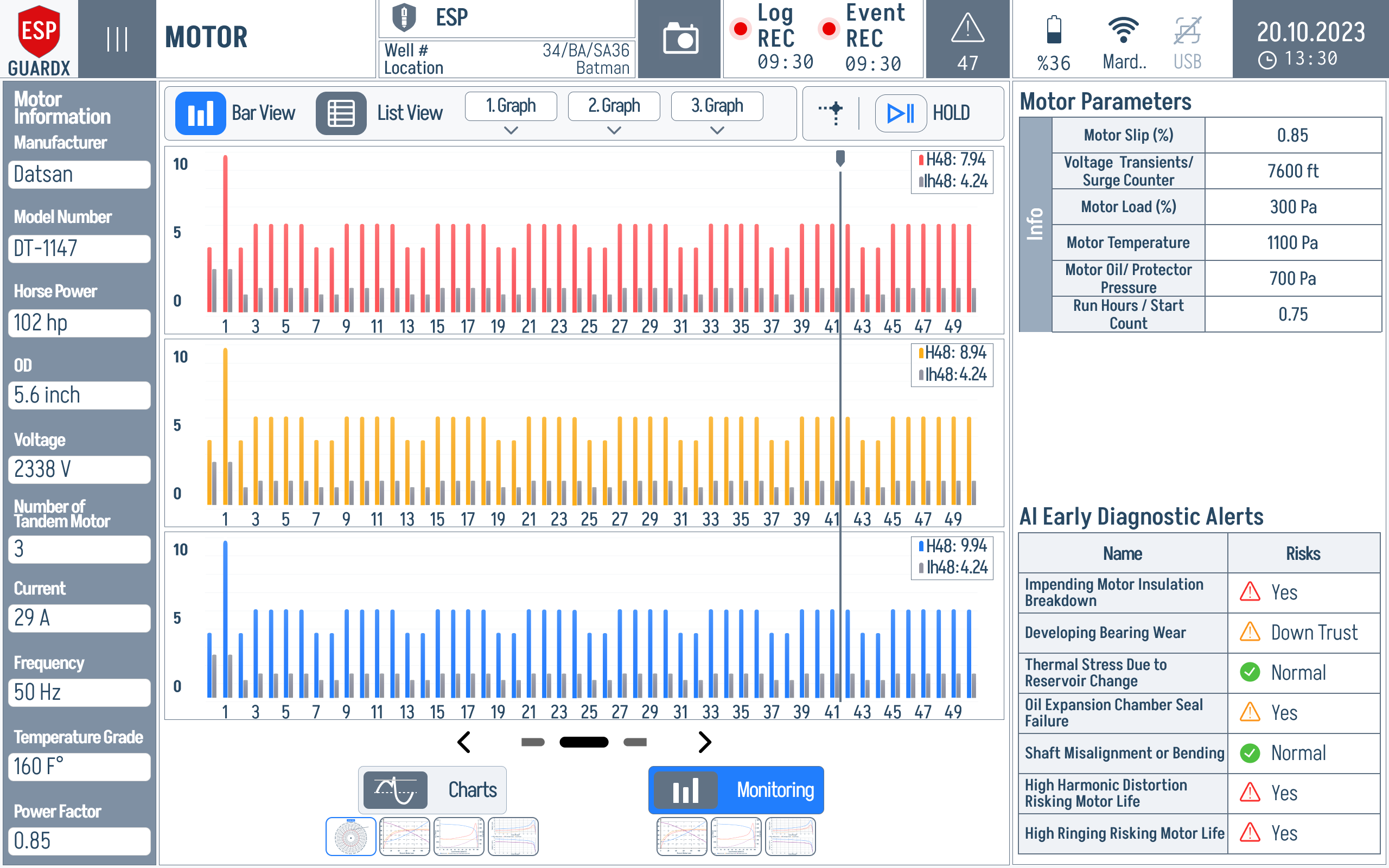
8-Channel Display
ESP-GUARDX provides a simultaneous view of up to 8 waveform channels:
| Channel | Signal | Color |
|---|---|---|
| Ch 1 | Voltage Phase A | -- |
| Ch 2 | Voltage Phase B | -- |
| Ch 3 | Voltage Phase C | -- |
| Ch 4 | Current Phase A | -- |
| Ch 5 | Current Phase B | -- |
| Ch 6 | Current Phase C | -- |
| Ch 7 | Auxiliary 1 | -- |
| Ch 8 | Auxiliary 2 | -- |
Each channel displays 4,096 data samples per refresh cycle.
Waveform Rendering
Waveforms are rendered at 60 frames per second using multi-threaded canvas drawing. This ensures:
- Smooth, flicker-free animation
- No UI blocking during rendering
- Responsive touch interaction even during high-speed display
Scrollable View
The waveform display is scrollable, allowing you to:
- Pan horizontally to view different time windows
- Examine waveform details at different points in time
- Compare pre-event and post-event waveforms when viewing recorded events
Using the Oscilloscope for Diagnostics
Normal Operation
A healthy three-phase system shows:
- Three sinusoidal voltage waveforms, equal in amplitude, 120 degrees apart
- Three sinusoidal current waveforms, equal in amplitude, 120 degrees apart
- Clean waveforms with minimal distortion
Common Abnormalities
| Waveform Pattern | Possible Cause |
|---|---|
| Flat-topped voltage | Transformer saturation |
| Notched voltage | VFD commutation notches |
| Asymmetric current | Motor winding imbalance |
| High-frequency ripple | Harmonic distortion |
| Current spikes | Motor starting, locked rotor |
| Decaying oscillation | Transient event |