Account & Device Registration
The Account screen is where you register the device, tie it to a user, and record where it is physically installed. Access it from the Account entry in the navigation sidebar.
Account Information
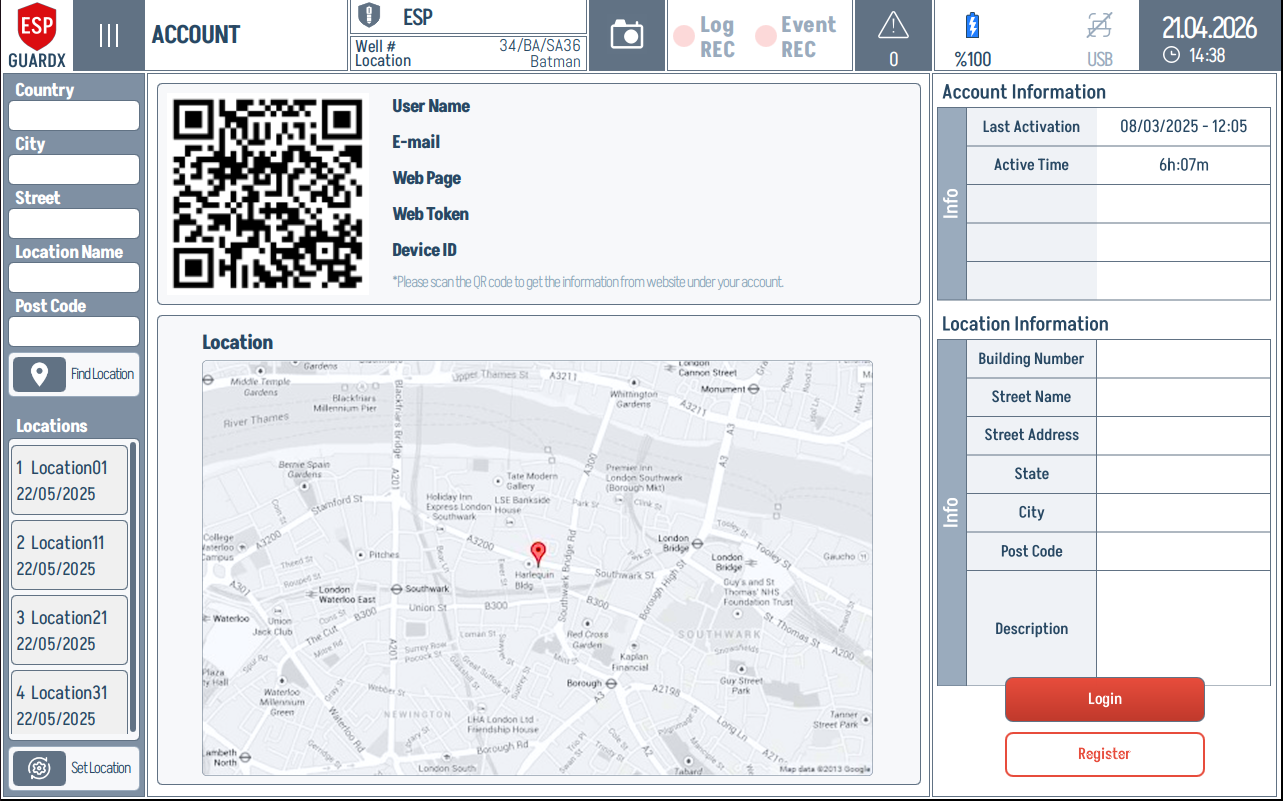
The right-hand Account Information card summarises the device registration:
| Field | Description |
|---|---|
| Last Activation | When the device was most recently activated |
| Active Time | Cumulative runtime since activation |
User Details
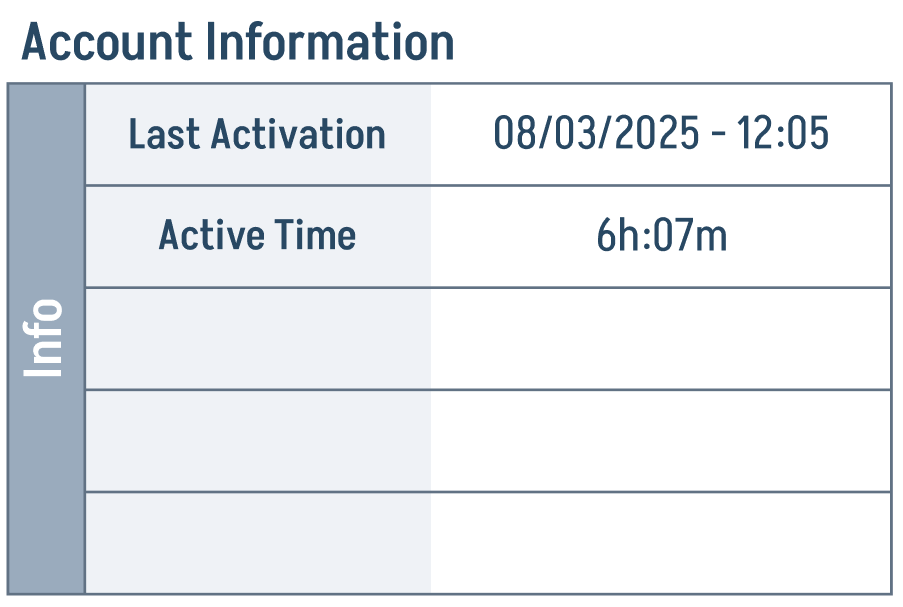
The top identity block stores the user-facing device registration:
- User Name
- Web Page
- Web Token — used to authenticate the device against the web service
- Device ID — unique identifier for this physical unit
A QR code to the left of the field list makes it easy to scan the device into a companion phone or tablet app.
Location
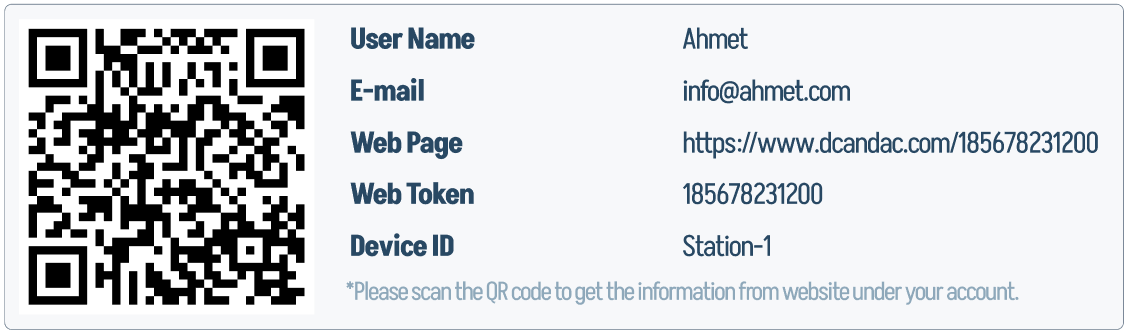
The Location map lets you pin the device's physical site on an interactive map. The list of Locations on the left keeps a history of every location the device has been assigned to, with the activation date. Use Find Location and Set Location to search for a site and commit it to the device record.
Location Information
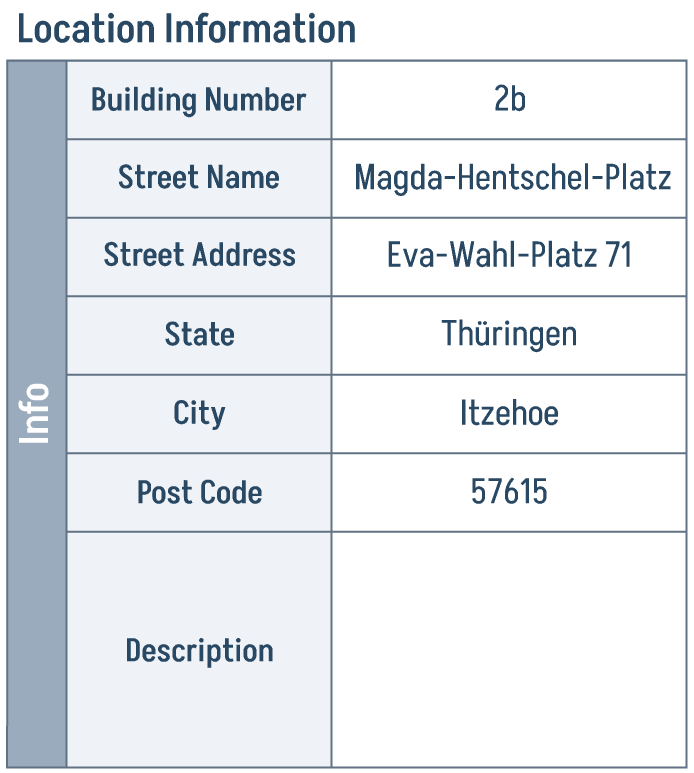
The right-hand Location Information card records the postal address alongside the map pin:
- Building Number
- Street Address
- City
- State
- Post Code
- Description
The Location Information card stores the address fields shown beside the map:
Registering / Logging In
At the bottom right:
- Login — sign in with an existing account
- Register — create a new account or register a new device
The Register button on its own:
Keep credentials private
The Device ID and Web Token are required for any cloud-side integration. Keep them private — treat the Web Token like a password.